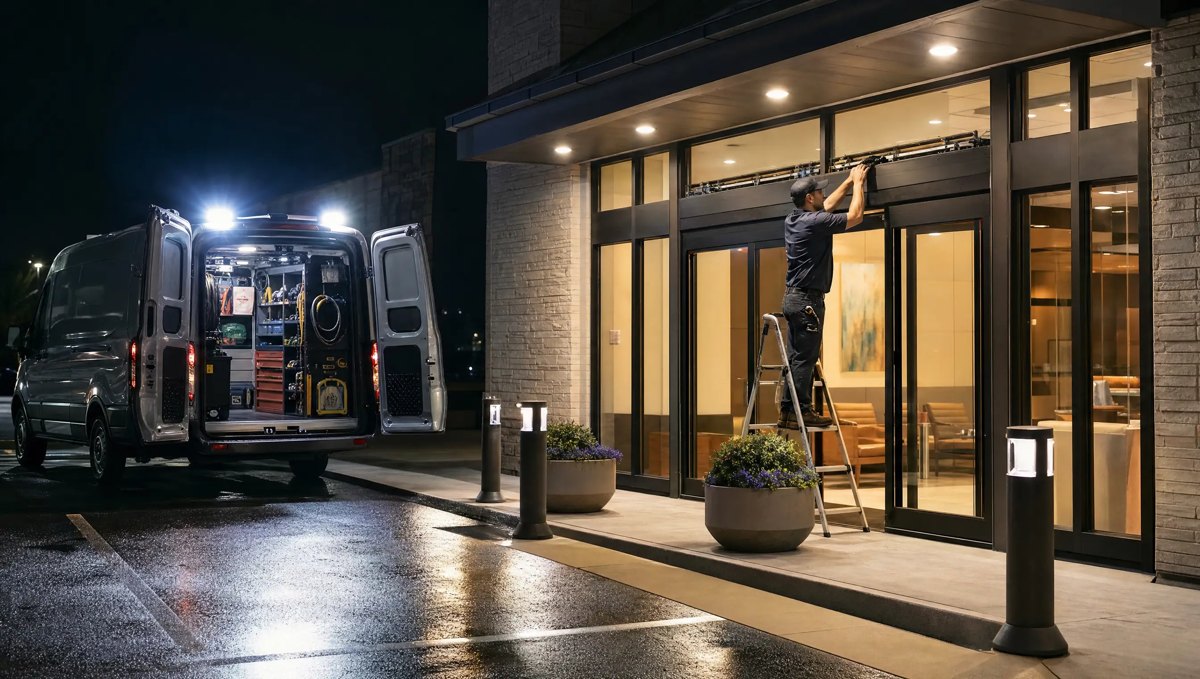
Every automatic sliding entrance has a control box with a mode switch, and that switch decides whether your building is secured overnight or sitting wide open. We get called out more than you'd think because a door was left in the wrong mode after closing — not because anything broke. Here's what the modes actually do and how to make locking up a reliable habit.
What the Mode Switch Positions Really Mean
Most sliding door operators give you a small set of positions on the control box, often behind a key switch so staff can't bump it by accident. Labels vary by manufacturer, but the functions are consistent:
- AUTO / ON — normal operation. Sensors and activation devices open the door for approaching traffic during business hours.
- EXIT ONLY — the door responds to interior sensors so people can leave, but exterior activation is ignored, so no one walks in from outside.
- HOLD OPEN — the panels stay parked open. This is meant for move-in days, deliveries, or heavy foot traffic, not for overnight use.
- LOCKED / NIGHT — activation is disabled and, on doors equipped with an electric lock, the panels are secured shut. This is the closing-time position.
- OFF — power to the operator is cut. The door will not open automatically, but depending on the hardware it may still be able to be pushed or pulled open by hand unless a separate lock is engaged.
That last point is where confusion starts. OFF is not the same as LOCKED. A door with no power is simply dead — it won't respond to sensors, but it isn't necessarily secured against someone pulling it open from outside.
OFF vs. HOLD-OPEN: Two Different Risks
Staff sometimes reach for whichever switch stops the door from moving, without thinking through what that position does to the building's security.
Leaving a sliding entrance in HOLD OPEN overnight means the panels stay parted, in full view of the street, for hours with no one watching the lobby. Leaving it in OFF feels safer because the door stops responding to motion, but on many installations the panels can still be slid apart by hand since the lock never engaged. Either way, the building isn't actually secured — it just looks closed.
The LOCKED or NIGHT position is built for closing time, and it's worth treating as a separate step from "turning the door off," not a substitute for it.
Why the Night Lock Gets Skipped
The switch doesn't usually get missed because staff don't care — it's one of these:
- The closing routine was handed down verbally years ago and the newest employee on shift never saw the control box opened.
- The key for the switch cover got moved, lost, or lives on a ring nobody closing that night was given.
- The switch position is mislabeled, worn off, or was never clearly marked when the operator was installed.
- A previous lock, sensor, or wiring issue made the LOCKED position unreliable, so staff quietly started using OFF instead and never reported the workaround.
Any of these is fixable once someone notices. A written closing checklist that names the exact switch position, posted near the control box, removes the guesswork for whoever locks up — including the night they're training someone new.
Monitoring the Door, Not Just the Switch
A night lock is only doing its job if the door responds the way the switch says it should. Part of a sound closing routine is a quick physical check: after flipping to LOCKED or NIGHT, pull on the panels to confirm they hold. If a door that's supposedly locked still slides, that's not a staff mistake to retrain — it's a sign the lock mechanism, switch, or wiring behind it needs attention before it becomes an opening nobody meant to leave.
This is where routine service earns its keep. A certified AAADM technician can test the lock function, confirm the control box positions match what's actually happening at the door, and relabel or repair anything that's making staff guess. Force, timing, and lock-circuit adjustments are safety-critical settings that call for the right testing equipment, not trial and error after hours.
Building a Closing Routine That Holds Up
A reliable night lock routine doesn't need to be complicated:
- Name the exact switch position on a posted checklist, not just "turn off the door."
- Assign the closing check to a specific role so it isn't skipped when the regular closer calls out.
- Physically test the lock every closing, not just flip the switch and walk away.
- Log anything that feels off — a stiff switch, a door that still moves when locked — before it becomes a habit.
If your team has been working around a lock that doesn't quite hold, that's worth a service call rather than a new memo.
CSC Automatic Doors has served commercial facilities across Conway, Little Rock, North Little Rock, Benton, Bryant, Maumelle, Jacksonville, Searcy, Russellville, Cabot, Sherwood, and Hot Springs since 1976. Call 501-548-2374 to have a technician check your sliding entrance's night lock and mode switch before it costs you a night of peace of mind.
Frequently asked questions
What's the difference between turning an automatic door OFF and locking it for the night?
OFF cuts power to the operator so it stops responding to sensors, but on many sliding doors the panels can still be pushed or pulled apart by hand. LOCKED or NIGHT mode disables activation and, on doors fitted with an electric lock, secures the panels shut. Only the LOCKED position is meant to secure the entrance overnight.
Why would staff leave a sliding entrance in HOLD OPEN overnight?
Usually by accident — HOLD OPEN is meant for move-in days or heavy daytime traffic, and the switch gets left there after a busy day instead of being returned to LOCKED at closing. It leaves the panels parted and the building unsecured until someone notices.
How do we know if our automatic door's night lock is actually working?
Switch it to LOCKED or NIGHT and physically try to pull the panels apart. If they hold, the lock is doing its job. If they still move, don't rely on it — have a certified AAADM technician check the lock mechanism, switch, and wiring.