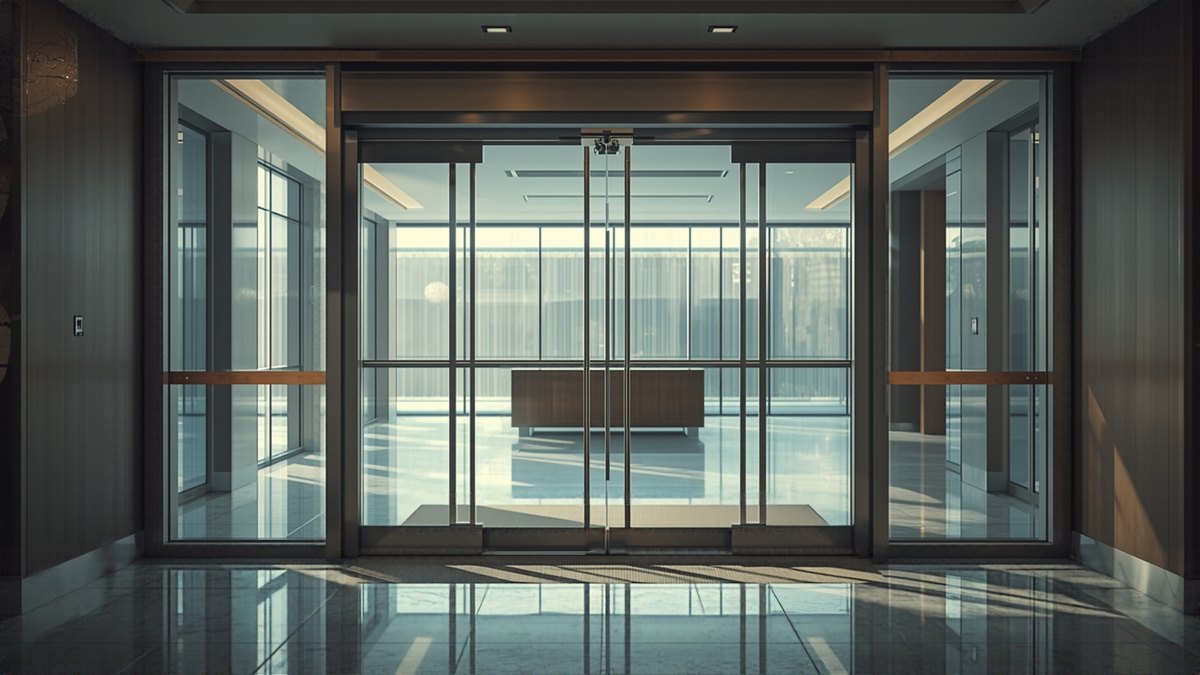
Automatic door glass takes a beating at a commercial entrance — fingerprints, nose prints, delivery cart smudges, winter salt film. Keeping it clean matters for first impressions, but automatic doors aren't ordinary glass storefronts. There are sensors, decals, and a header full of electronics right above and around that glass. Clean it the wrong way and you can end up with a door that won't open, won't close, or starts behaving oddly — and a service call that didn't need to happen.
Here's how facility and cleaning staff in Little Rock, Conway, North Little Rock, and the surrounding area can keep automatic door glass looking good without creating a problem for the door operator.
Put the Door in the Right Mode First
Before you clean anything on or near an automatic door, take it out of automatic swing or slide mode if your unit has a hold-open, off, or locked setting on its control switch. Standing in front of an active sensor with a spray bottle and a rag can cause the door to try to open while you're working right in its path. Most operators have a simple keyed or push-button switch nearby — if your staff doesn't know where it is or how to use it, that's worth a quick walkthrough rather than guessing.
- Switch the door to "hold open" or "off" before cleaning, if that option is available at your location
- Keep other people clear of the door's swing or slide path while it's in a non-standard mode
- Return the switch to normal automatic operation when you're done, and watch it cycle once to confirm it's back to normal
Cleaning the Glass Itself
The glass panels themselves are the easy part. A standard glass cleaner and a lint-free cloth or squeegee handle daily smudges and fingerprints just fine. A few habits keep this safe for the door:
- Spray the cleaner onto the cloth rather than directly onto the glass, especially near the top and bottom edges
- Wipe in the same direction you'd clean any storefront glass — no need for anything special on the glass surface itself
- Avoid razor blades or abrasive scrapers on glass near sensor lenses or decals — they can scratch the lens cover or lift a decal edge
- Dry the glass fully so moisture doesn't run down into the bottom track or threshold
What Not to Spray Near Sensors and the Header
This is where most avoidable service calls start. The motion and presence sensors mounted on the header or door frame look like small plastic domes or lenses, and the header itself houses the operator, wiring, and control board. Both need to stay dry and free of chemical residue.
- Never spray cleaner directly at a sensor lens, the header unit, or the track above a sliding door — overspray and drips can get into the housing
- Don't use ammonia-based or heavy-duty solvent cleaners anywhere near sensor lenses — some can haze or degrade the lens coating over time
- Skip pressure washers or hoses on or near entrance doors during exterior cleaning — water forced into the header or track causes more service calls than dirty glass ever does
- If a sensor lens has a film or residue, wipe it gently with a dry or barely damp soft cloth rather than spraying it directly
- Keep cleaning carts, mop buckets, and floor machines from bumping or spraying directly up into the header area
Decals and Signage
Door decals — push/pull labels, hours of operation, ADA-style signage, or your own branding stickers — should be cleaned the same gentle way: a damp cloth and mild cleaner, wiped rather than sprayed. Avoid razor blades or sharp scrapers along decal edges, since lifting a decal near a sensor zone can sometimes leave adhesive residue right where a lens needs to stay clear.
Where Staff Cleaning Stops and Service Begins
Routine glass and lens wiping is a staff-level task. The moment you notice something beyond surface dirt, it's time to call for service rather than keep cleaning:
- The door hesitates, opens partway, or reverses unexpectedly after cleaning
- A sensor seems to be triggering the door with no one nearby, or not triggering at all
- Moisture, condensation, or residue has visibly gotten into the header or track
- Force, speed, or timing feels different than normal — these are safety-critical settings that belong to a certified AAADM technician with the right testing equipment, not a cleaning crew
- A decal or lens cover is cracked, loose, or missing
None of these should be adjusted or taken apart by in-house staff. Pushing or pulling on a door that's acting up to "see what's wrong" can make a minor issue worse or create a safety risk for the next customer through the door.
CSC Automatic Doors has served central Arkansas businesses since 1976, with AAADM-certified technicians covering Conway, Little Rock, North Little Rock, Benton, Bryant, Maumelle, Jacksonville, Searcy, Russellville, Cabot, Sherwood, and Hot Springs. If your automatic door glass is clean but the door itself isn't acting right, give us a call at 501-548-2374 and we'll get a technician out to take a look.
Frequently asked questions
Can I use regular glass cleaner on automatic door glass?
Yes. Standard glass cleaner and a lint-free cloth work fine for the glass panels themselves. Just spray the cloth rather than the glass directly near the top and bottom edges, and avoid getting any cleaner near the sensor lenses or header.
Why does the door act strange after we clean it?
This usually means moisture, cleaner residue, or spray got onto a sensor lens or into the header, or the door was cleaned while still in automatic mode and reacted to movement. Put the door in hold-open or off mode before cleaning, and keep sprays away from the header and sensor lenses.
Should staff ever adjust the door's sensors or speed if something seems off?
No. Sensor alignment, speed, and force are safety-critical settings that require a certified AAADM technician with proper testing equipment. Staff cleaning should stop at wiping glass, lenses, and decals — anything involving the door's operation should go to a service call.